
How to Compare Poster Maker Systems for Schools: A Practical Evaluation Framework
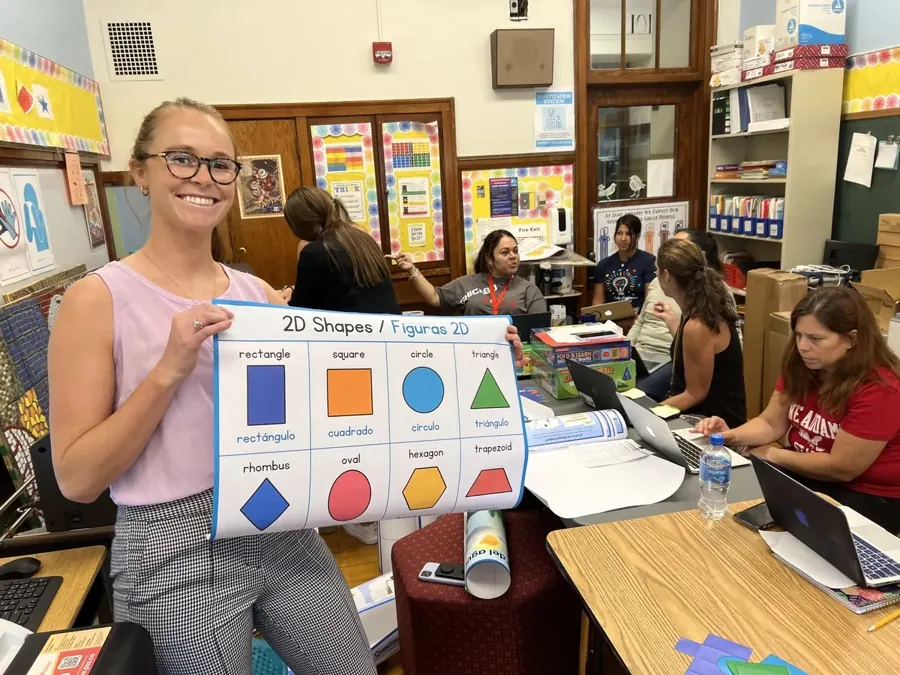
Searches for the best poster maker for schools return vendor pages, each of which is the best by its own account. That is not a useful starting point, because the right system depends on what a specific building prints, how often, and how it buys. This article is an evaluation framework instead of a ranking: the seven questions that actually separate one system from another, and a checklist to take into a purchasing conversation. If you're new to the category, start with what a poster maker machine is.
The three ways schools buy
Before comparing specifications, decide which of three purchasing shapes fits.
Printer only. A wide-format printer bought on its own, with the school supplying the computer, the setup and the troubleshooting. Lowest purchase price, highest internal burden. It works where there is already technical staff who want the job.
Turnkey system. Printer, workstation, software, installation, training and a warranty from one vendor on one purchase order. Most K-12 buyers land here, because the alternative puts an unbudgeted project on the IT department.
System plus supply plan. A turnkey system where consumables are also covered, either as a prepaid package sized to expected volume or as an unlimited annual plan. This changes the budgeting question more than the printing question.
The rest of the framework applies within whichever shape fits.
Print width and media
Print width sets the ceiling on everything the machine can produce. A 24-inch printer produces posters up to 24 inches on the short side with effectively unlimited length from a roll, which covers standard poster sizes, anchor charts, most hallway displays and banners. A 36-inch or 44-inch printer produces larger single-piece prints and costs more to buy and to supply.
The question to ask is not which is wider but what the building actually prints. If the answer is classroom charts, behavior signage, hallway displays and event banners, a 24-inch machine covers it. If the school routinely needs single-piece graphics wider than 24 inches, that requirement should be established before it drives the budget.
Media range matters as much as width. Ask which materials the vendor stocks for that specific printer: standard and premium paper, peel-and-stick, magnetic, vinyl and waterproof banner material, canvas.
Software and workflow
Design is already solved in most schools, so weight this criterion carefully. Teachers build materials in Canva, Google Slides and PowerPoint. A system that prints cleanly from a PDF exported by any of those covers the realistic workflow.
Vendors differentiate here with proprietary design software, and some of it is genuinely useful. Test it against a question: will teachers actually open a second design tool, or will they keep working in the one they already know and print from it? Where a proprietary tool adds cost, ask what it does that the export-to-PDF workflow does not.
Template libraries are a separate and often more practical benefit, because they reduce the design time that is the real bottleneck.
Supplies: starter quantities versus unlimited plans
This is where quoted prices diverge most and where comparisons most often go wrong. Most systems ship with a starter ink set and one or more rolls of paper. Across vendors in this category, starter supplies commonly cover somewhere in the range of 160 to 275 posters, and public package pages state figures in that range. After that, supplies are purchased as needed.
Two questions expose the real cost:
- What is the expected annual poster volume for this building?
- What do supplies cost for that volume, from this vendor, for this printer generation?
A system with a lower purchase price and expensive consumables can cost more across a three-year horizon than a higher-priced system with an included supply plan. Unlimited annual plans invert the problem: the supply cost becomes fixed and known, and the risk shifts to whether the building prints enough to justify it.
Training, installation and support
Adoption is the failure mode nobody quotes for. A poster maker that intimidates staff produces a handful of posters in September and then sits. Ask how installation happens, whether training is on site or remote, how long it takes, whether it is recorded for staff hired later, and who at the school is expected to own the machine.
PSS installation takes about 40 minutes and training about 20 minutes, delivered in person, by webinar or through recorded video.
Warranty and repair
"Support" covers a wide range, so read the terms. The questions that matter:
- Is the warranty one year or longer, and what does an extension cost?
- Does it cover parts, labor and an on-site visit, or parts only?
- Who answers the phone, and what proportion of issues are resolved without a visit?
- If a repair fails, is there a replacement printer?
- Is the warranty from the vendor or passed through to the printer manufacturer?
The PSS Poster Maker System includes a two-year on-site warranty. Around 80 percent of issues are resolved remotely by phone, with an on-site repair or a replacement printer if a repair is unsuccessful.
Funding eligibility and purchasing terms
A system the business office cannot process is not a candidate. Confirm that the vendor accepts district purchase orders, what payment terms are offered, and whether the vendor has sold into districts before.
Federal funding eligibility is worth raising early. Title I and Title III may support instructional materials and multilingual learner materials depending on how the purchase is structured and justified, but eligibility is determined by the district's federal programs office rather than by a vendor. Ask the vendor what documentation they can provide to support a justification, then take it to the district.
PSS accepts standard district purchase orders with net-30 and net-45 terms for approved districts, and publishes guidance on Title I, Title III and PTO fundraising paths.
Evaluation checklist
| Criterion | What to ask |
|---|---|
| Print width | Does 24 inches cover our work, or do we have a documented need for wider? |
| Media | Which materials does the vendor stock for this printer? |
| Bundle contents | Printer, workstation, software, ink, paper, installation, training, warranty: which are included? |
| Workflow | Does it print cleanly from a Canva, Google Slides or PowerPoint PDF? |
| Templates | Is a content library included, and is it aligned to standards? Bilingual? |
| Supplies | What is the annual supply cost at our expected volume? Fixed or variable? |
| Training | On site or remote? Recorded for new staff? |
| Warranty | Length, coverage, on-site or parts-only, replacement policy |
| Purchasing | PO accepted? Terms? Funding documentation available? |
| Total cost | Purchase price plus three years of supplies, not purchase price alone |
Where the PSS System and the Every-Wall Plan fit
The PSS Poster Maker System sits in the turnkey category: a 24-inch Canon wide-format printer, preconfigured PC workstation, preinstalled software, ink for about 166 posters, and a two-year on-site warranty, at $4,599 for the 2026-27 school year.
The Principal's Every-Wall Plan sits in the third category, system plus supply plan. At $5,899 in Year 1 it covers a new printer and workstation, a two-year on-site warranty, staff training, Folio library access, ready-to-use templates for anchor charts, PBIS, SEL, safety signage and hallway displays, and unlimited paper and ink for twelve months. Renewal is $2,399 per year.
Across the public product and package pages of ten K-12 poster maker vendors reviewed in September 2026, this was the only unlimited annual paper-and-ink plan we identified. Other vendors offer unlimited support, professional development or design services, which are different things.
PSS K12 has served K-12 schools since 1994, and more than 2,900 schools use its systems.
Frequently asked questions
What is the best poster maker for schools?
The one that matches the building's print width requirement, expected annual volume, supply budgeting preference and support needs. Compare bundle contents, supply model, training, warranty and three-year total cost rather than headline price.
Is a 24-inch or 36-inch poster maker better for a school?
A 24-inch printer covers standard poster sizes, anchor charts, hallway displays and banners, since roll length is effectively unlimited. A 36-inch printer is worth the extra purchase and supply cost only where there is a documented need for single-piece prints wider than 24 inches.
How much should a school budget for poster maker supplies?
That depends on volume and coverage. Estimate annual poster count, ask the vendor what supplies cost for that volume on that printer generation, and compare against any fixed-price supply plan.
Can schools use Title I funds for a poster maker?
They may, depending on how the purchase is structured and justified. Eligibility is decided by the district's federal programs office, not the vendor.
What should be in a school poster maker bundle?
At minimum a printer, a workstation configured to drive it, software, a starter ink set and paper, installation, training, and a warranty with a defined repair path.
Sources
- PSS Poster Maker System contents, installation, training, warranty and support terms: https://pssk12.com/poster-maker
- The Principal's Every-Wall Plan, pricing and inclusions: https://everywall.pssk12.com
- Every-Wall Plan overview, renewal pricing and funding paths: https://everywall.pssk12.com/overview
- PSS supplies by printer generation: https://shop.pssk12.com
- Poster Studio Express package contents and included supplies: https://posterstudioexpress.com/
- Perfect School Tools package contents and included supplies: https://www.perfectschooltools.com/
- U.S. Department of Education, supplement not supplant guidance under Title I, Part A: https://www.ed.gov/sites/ed/files/2020/02/snsfinalguidance06192019.pdf